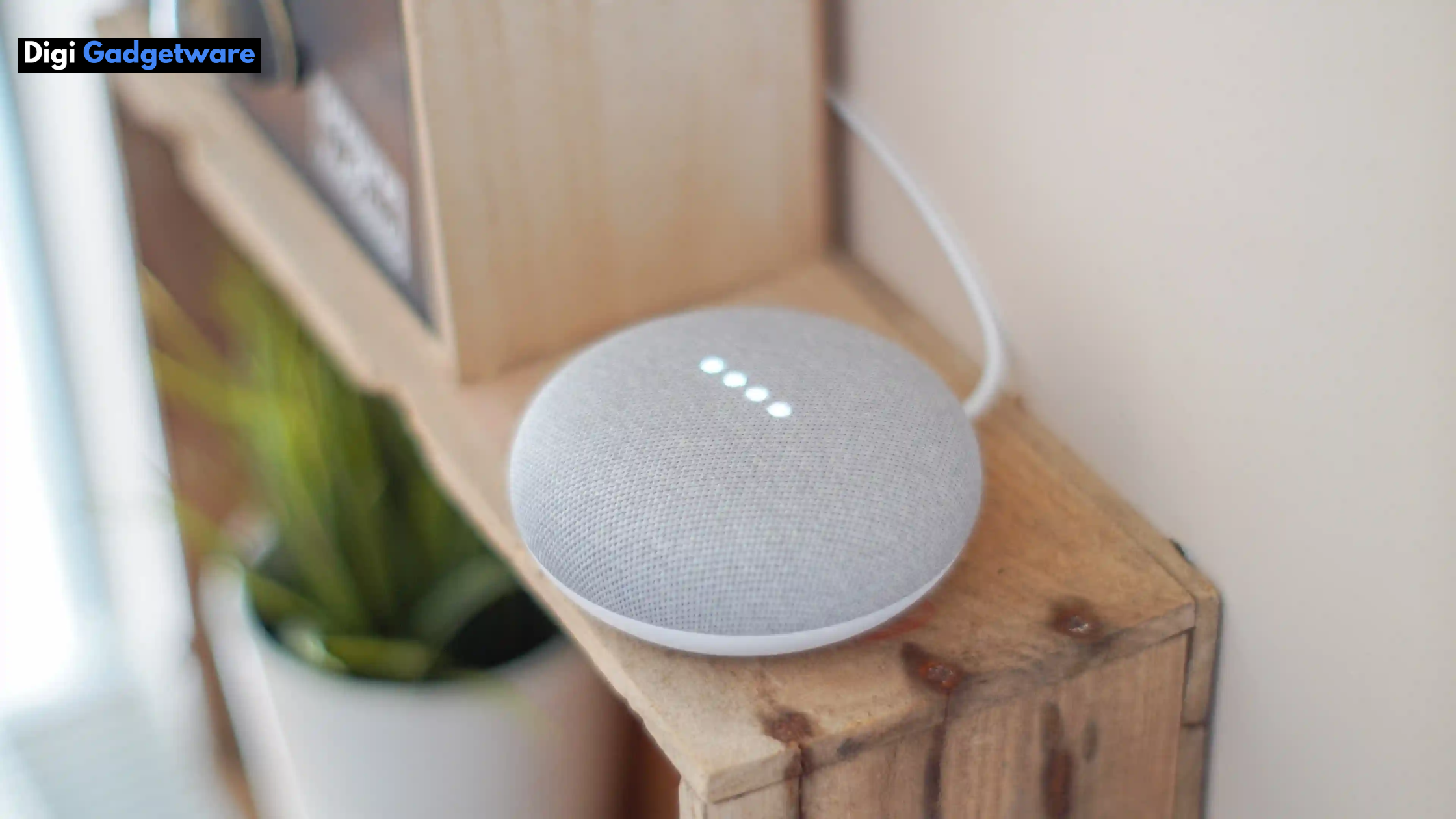
The way we interact with our homes has changed dramatically over the last decade. From manually switching lights and adjusting thermostats to controlling entire households with simple voice commands, smart home assistant has transformed everyday living.
At the center of this transformation is the smart home assistant, a device designed to make homes more connected, efficient, and intelligent. Whether you are a tech enthusiast or a beginner exploring smart living for the first time, understanding how a smart assistant for the home works is essential before making a purchase.
This blog is designed to help you understand everything you need to know before buying a smart home assistant. We’ll explore what it is, how it works, its primary features, the setup process, and the real-world benefits it offers.
By the end of this blog, you’ll have a clear understanding of whether a smart home Google Assistant setup is the right choice for your home. Let us begin this blog with…
What is a Smart Home Assistant?
A smart home assistant is an AI-powered device that acts as the central control hub for connected smart devices in your home. It allows users to interact with their smart ecosystem using voice commands, mobile apps, or automated routines. It uses artificial intelligence, machine learning, and cloud-based processing to understand user commands and perform tasks efficiently.
At its core, a smart home assistant listens for a wake word, processes voice input, and executes commands such as turning lights on or off, adjusting temperature, playing music, or answering questions. Popular examples include devices powered by the Google Assistant in the smart home, which integrate seamlessly with Android devices, Google services, and a wide range of third-party smart products.
One of the key strengths is its ability to unify multiple devices under a single platform. Instead of using separate apps for smart bulbs, plugs, cameras, and thermostats, everything can be managed through one interface. This is where smart home automation using Google Assistant becomes especially powerful, allowing users to create routines and schedules that automate everyday tasks.
In simple terms, a smart assistant acts as the “brain” of your smart home. It simplifies control, enhances convenience, and provides intelligent responses that evolve as the assistant learns user preferences.
Next, let us see…
How Smart Assistants Will Work in the Home?
Understanding how a smart assistant for the home works helps you make an informed buying decision. While the experience feels seamless to users, several advanced technologies work behind the scenes to deliver accurate and fast responses.
When you speak a command, the smart assistant’s built-in microphones detect the voice and identify the wake word. Once activated, the assistant records your request and sends it securely to cloud servers for processing. Using natural language processing (NLP), the assistant interprets your intent and determines the appropriate action.
In a Google Assistant smart home, this process is optimized through Google’s advanced AI algorithms and vast data infrastructure. The assistant understands contextual commands like “turn off the lights in the living room” or “set the AC to 24 degrees,” even when phrased each time differently. This makes interactions feel more natural and human-like.
Once the command is processed, the assistant communicates with connected devices via Wi-Fi, Bluetooth, or smart home protocols. For example, in smart home automation using Google Assistant, a single voice command can trigger multiple actions, turning off lights, locking doors, and adjusting thermostats simultaneously.
Over time, the smart assistant learns from usage patterns. It adapts to routines, understands preferences, and improves accuracy. This learning capability is what makes a smart home Google Assistant system smarter and more efficient with continued use.
Once you know about the working process, it’s time to know the features you get from the smart home assistant.
Primary Features You Must Know
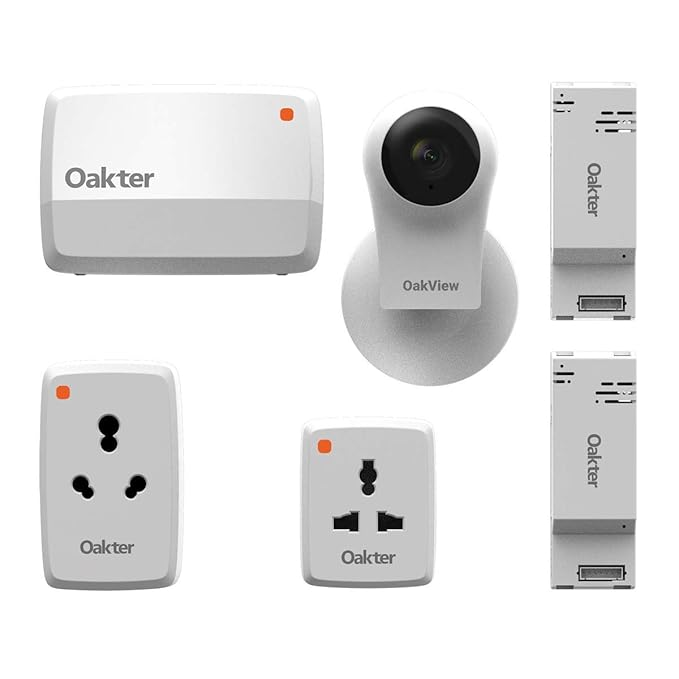
A modern smart assistant offers a wide range of features designed to improve convenience, security, and efficiency. Understanding these features will help you evaluate which assistant best suits your needs.
One of the most important features is voice control. Voice interaction allows hands-free operation, making it easy to control devices while cooking, relaxing, or multitasking. In a Google Assistant smart home, voice recognition is highly accurate, even in noisy environments or when multiple users are present.
Another essential feature is device compatibility. A good smart home assistant supports a wide range of smart devices such as lights, fans, plugs, cameras, door locks, TVs, and appliances. Smart home automation using Google Assistant stands out here, as it works with thousands of third-party brands and products.
Automation and routines are also key features. Users can create custom routines that trigger multiple actions at once. For example, a “Good Morning” routine can turn on lights, read the weather, and start your coffee machine. This level of automation is what makes a smart home Google Assistant setup truly powerful.
Smart assistants also offer information and productivity features. They can set reminders, manage calendars, provide traffic updates, play music, control smart TVs, and answer general questions. This transforms the AI-powered assistant into a daily productivity companion.
Lastly, multi-user support allows the assistant to recognize different voices and provide personalized responses. In households with multiple users, this ensures tailored experiences, such as individual calendars, playlists, and reminders.
Setup Guide for Any Smart Home Assistant
Setting up a smart assistant for the home is easier than many people expect. Most modern assistants are designed for quick installation and user-friendly configuration, even for beginners.
- The first step is choosing the right location. Place your smart home assistant in a central area where voice commands can be easily heard.
- Ensure a stable Wi-Fi connection, as internet connectivity is crucial for cloud-based processing.
- Next, download the companion app on your smartphone. For a smart home Google Assistant, this typically involves the Google Home app.
- The app guides you through device setup, Wi-Fi connection, and account linking in a step-by-step manner.
- Once connected, you can start adding smart devices to your ecosystem. Smart bulbs, plugs, cameras, and other accessories can be linked through the app.
- Smart home automation using Google Assistant allows you to group devices by rooms and create personalized routines for different times of the day.
After setup, it’s important to customize settings. Adjust voice recognition, privacy controls, notification preferences, and automation rules to match your lifestyle. This ensures your smart assistant works exactly how you want it to.
Finally, test voice commands and routines to ensure everything is functioning smoothly. With proper setup, your Google Assistant smart home will be ready to deliver a seamless smart living experience.
Now, let us have a look at…
Benefits of Using a Smart Assistant For Your Home
Investing in a smart assistant for the home offers numerous benefits that go beyond basic convenience. One of the most significant advantages is hands-free control, allowing users to manage their home effortlessly through voice commands.
Another major benefit is energy efficiency. Smart assistants help optimize energy usage by automating lights, thermostats, and appliances. With smart home automation using Google Assistant, you can reduce power consumption by scheduling devices to turn off automatically when not in use.
Enhanced security is another key advantage. It integrates with security cameras, smart locks, and alarms, enabling real-time monitoring and alerts. A smart home Google Assistant system allows users to check the security status or lock doors remotely.
Smart assistants also improve daily productivity and organization. From setting reminders and managing schedules to providing real-time information, a smart assistant for the home becomes a reliable digital helper for everyday tasks.
Lastly, a smart assistant for your home adds future-ready value to your home. As more devices become smart-enabled, having a central assistant ensures your home can easily adapt to new technologies. With the scalability of a Google Assistant smart home, users can continuously expand their smart ecosystem without complexity.
Final Thoughts
A smart home assistant is more than just a voice-controlled gadget; it’s a gateway to smarter, more efficient living. Whether you’re starting small or planning full smart home automation using Google Assistant, understanding how these assistants work and what they offer is crucial before buying.
By choosing the right assistant, setting it up correctly, and leveraging its features, you can transform your home into an intelligent space. If convenience, efficiency, and automation matter to you, a smart home Google Assistant setup is undoubtedly worth considering.